
Treatment Minutes Calculator
Type in each session on today’s schedule, like 60, 45, 45, 30. The calculator adds up your treatment minutes, then uses your productivity target to show your paid time and clock-out time. It’s the fastest way to go from “here’s my schedule” to “here’s when I’m done.”
By the Best Therapy Productivity Calculator team · Last updated October 2026
How it works
- Treatment minutes = sum of all sessions
- Paid time = treatment minutes ÷ (target % ÷ 100), rounded down to the whole minute
- Clock-out = start time + paid time + unpaid lunch
Worked example: outpatient PT schedule, 85% target, 8:00 AM start
| Session | Minutes |
|---|---|
| 1 | 60 |
| 2 | 45 |
| 3 | 45 |
| 4 | 30 |
| 5 | 30 |
| 6 | 45 |
| 7 | 40 |
| 8 | 45 |
| Total | 340 |
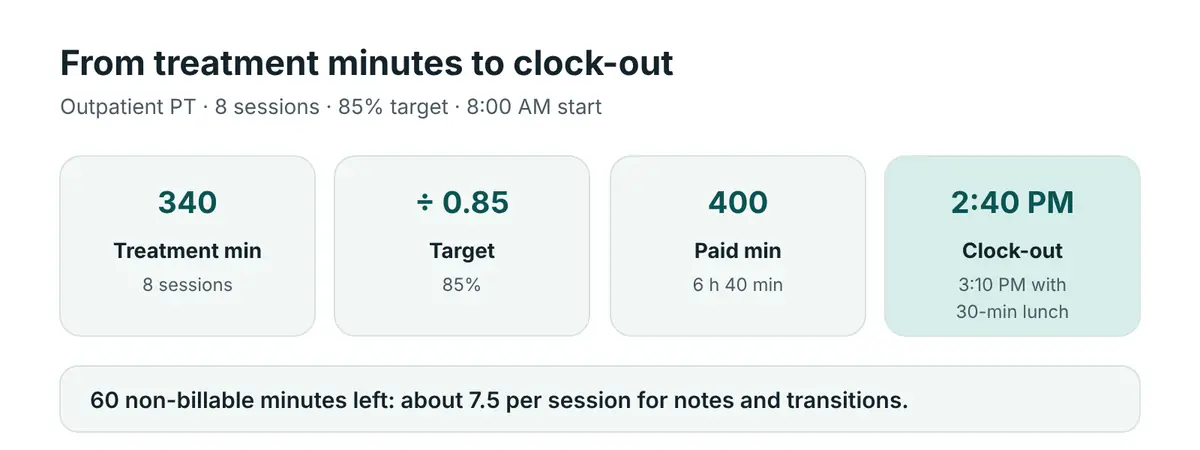
- 340 ÷ 0.85 = 400 paid minutes (6 h 40 min)
- Clock-out: 2:40 PM, or 3:10 PM with a 30-minute unpaid lunch
- Non-billable time: 60 minutes, about 7.5 minutes per session for notes and transitions
Session-length check: billing units
If your sessions use Medicare timed codes, here’s what each common session length supports under the 8-minute rule:
| Session length | Units (if all timed) |
|---|---|
| 30 min | 2 |
| 40 min | 3 |
| 45 min | 3 |
| 60 min | 4 |
Untimed codes, such as evaluations or SLP treatment (92507), are billed per session instead. See the 8-minute rule calculator.
What counts as a treatment minute?
Whatever your employer counts as productive time, usually direct treatment and evaluations. If co-treat, concurrent or group sessions are credited differently, enter them at their credited value. See the concurrent therapy calculator.
Frequently asked questions
How do I total my treatment minutes for the day?
Add up each session’s treatment time. The calculator does it as you type each session.
Should I include evaluations?
Yes, if your employer counts them as productive time. Most do.
What if a patient cancels?
Delete that row and the clock-out time updates. Your paid time shrinks along with your treatment minutes, as long as your target stays the same.
Is this the same as the therapy productivity calculator?
It’s the same math. This version builds the total from your session list, while the homepage calculator takes one total.
Related: Therapy productivity calculator · Lunch break calculator · Productivity pace calculator
Planning tool only.